Best Cold Email Software in 2026: How to Choose and Compare
By Julia Morgan · Published 2026-10-31 · Updated 2026-10-31
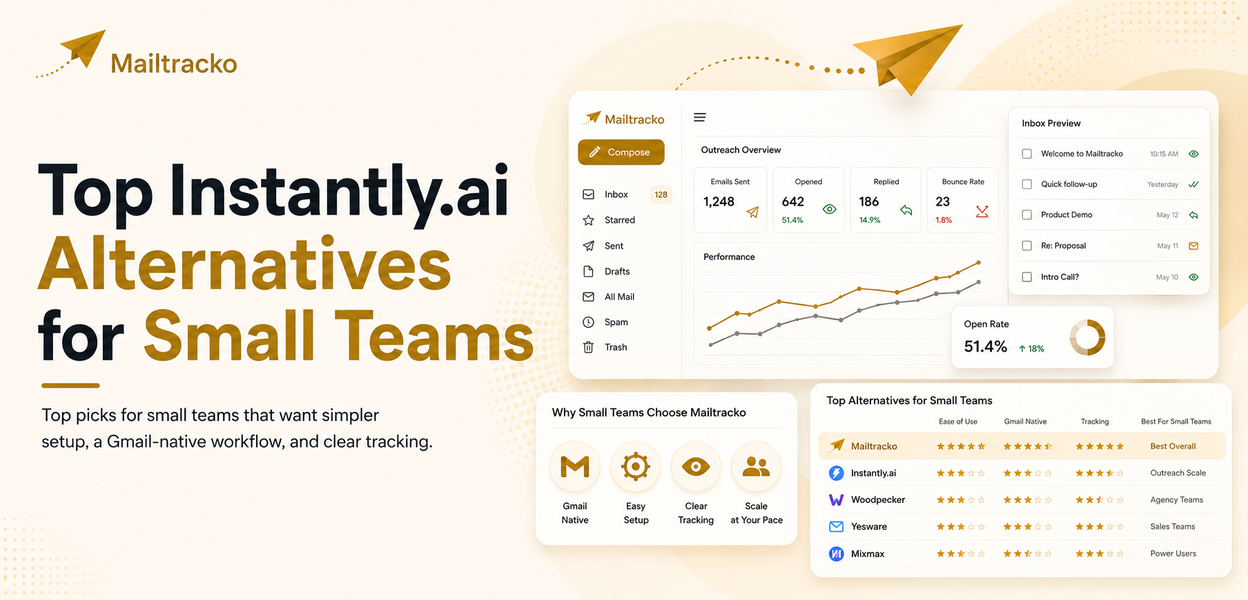
The best cold email software is the one that matches your sending volume, team size and budget. Instantly and Smartlead suit high-volume, many-inbox senders. lemlist suits multichannel teams. Woodpecker and Apollo suit specific workflows. GMass suits Gmail users. Mailtracko suits small teams that want a simpler setup. Compare on the seven criteria below.
What cold email software is, and when you need it
Cold email software sends personalized emails to people who have not contacted you before, from your own mailboxes, and manages what happens next: follow-ups, replies, bounces and unsubscribes. It sits between a plain inbox and a full CRM. A basic Gmail mail merge sends one message to a list. Cold email software adds multi-step sequences, sender rotation, a shared reply view and reporting.
You probably need a dedicated tool when you send to more than a few dozen new contacts a day, when more than one person handles replies, or when follow-ups are being forgotten. If you only send a handful of one-off messages, your normal mailbox is enough. The difference between a mailer and a CRM is covered in mail merge tool vs CRM email automation.
One limit applies to every platform: software does not create deliverability. It automates sending from your domains and mailboxes, and your authentication, list quality and message content still decide where mail lands. No vendor can promise inbox placement or reply rates.
Seven criteria for choosing cold email software
1. Deliverability controls and inbox rotation
Ask what the tool does to protect sender reputation. Useful features include SPF, DKIM and DMARC checks, daily sending caps per mailbox, spreading volume across several mailboxes, bounce handling and sender health reports. Start with SPF, DKIM and DMARC explained and the Google bulk sender requirements for 2026, because the tool cannot fix a domain that is not authenticated. Many platforms also bundle warm-up. If that matters to you, read what an email warm-up tool does and check what each vendor actually includes.
2. Sender account limits
Check how many mailboxes and sending domains each plan connects, and whether the vendor caps emails per month. Some vendors state unlimited connected accounts and price on volume instead. Others cap accounts per plan. Remember that the provider limits still apply: see the Gmail daily sending limit before planning volume per mailbox.
3. Reply handling and unified inbox
Once you run several mailboxes, replies scatter. A unified inbox puts replies from all connected senders in one place, so a teammate can answer without logging in to each account. Check whether it is included in the plan you would buy, since some vendors gate it by tier.
4. Sequences and follow-ups
Most replies to cold outreach come after a follow-up, so multi-step sequences matter. Look for configurable delays, automatic stop on reply, conditional steps and A/B testing. See how follow-up automation works in practice.
5. Personalization
Merge fields are the minimum. Better tools support custom variables from your own list, spintax or variations, and AI-assisted first lines. Whatever the tool offers, check output before sending: personalization that is wrong is worse than none.
6. Pricing model
Vendors price in different ways: by emails sent per month, by uploaded contacts, by number of users, or by credits. The same team can pay very different amounts depending on which metric the vendor charges for. Work out your monthly emails, active contacts and team size, then compare plans on those three numbers rather than on the headline price.
7. Compliance and unsubscribe handling
A tool should add a working unsubscribe mechanism, honor opt-outs across campaigns and suppress bounced addresses. The legal duty stays with you as the sender, and it varies by region, so the software is a help rather than a safeguard.
Top cold email platforms compared
The table uses figures from each vendor's public pricing page, checked in October 2026. Plans, prices and limits change often, so confirm on the vendor's page before buying. Where a page did not show a figure, the table says so rather than guessing.
| Tool | Entry price (as of October 2026) | Pricing basis and limits | Notable strengths |
|---|---|---|---|
| Instantly | Growth outreach plan: $47/month billed monthly | 5,000 emails a month and 1,000 uploaded contacts on that plan; unlimited email accounts and warm-up listed | Built for many mailboxes; higher tiers add a larger email volume |
| Smartlead | Base: $39/month | 6,000 emails a month and 2,000 leads; the page states unlimited email accounts on all plans | Mailbox-heavy setups; low entry price for high account counts |
| lemlist | Email plan: $55/month with yearly billing | 50,000 emails a month; unlimited users and email senders on that plan | Multichannel plan adds LinkedIn, SMS and calling; built-in lead finder |
| Woodpecker | See the vendor's pricing page (prices did not load when checked) | Priced by monthly email-sending tier, from 5,000 to 1,000,000 emails; unlimited team members and email accounts listed | Email-focused; 14-day trial; adds a LinkedIn plan |
| Apollo | Free plan available; paid prices on the vendor's page | Credit-based; email campaigns included on every account | Combines a contact database with sequencing |
| GMass | Standard $29.95/month; Professional $59.95/month (monthly billing) | Runs inside Gmail; unlimited emails stated, though actual limits depend on account configuration | Familiar Gmail interface; Inbox Rotation (MultiSend) on the Professional plan |
| Mailtracko | Starter: $29/month; 14-day free trial | Starter: 2 sender accounts, 2,500 active contacts, 10,000 campaign emails a month. Growth $59 (10 senders, 25,000 contacts, 100,000 emails). Scale $149 (25 senders, 60,000 contacts, 250,000 emails) | Unified inbox from Growth; sequences, templates and Google Sheets integration; flat monthly tiers |
A few notes on reading it. Instantly's page listed different prices for some tiers in different sections, so check the live page. Apollo does not publish dollar figures on the page we checked, and it is mainly a data and sales platform where cold email is one feature. lemlist's page does not make clear whether pricing scales per user, so confirm that before quoting a team. For detailed head-to-head views, see Instantly vs Smartlead, Mailtracko vs Instantly, Woodpecker vs Mailtracko and Mailtracko vs GMass.
Which tool fits which team
- Agencies and teams running many mailboxes: Instantly and Smartlead are built around large numbers of connected accounts. Compare them with the guides on Instantly alternatives and Smartlead alternatives.
- Teams that outreach on LinkedIn as well as email: lemlist's Multichannel plan covers LinkedIn, SMS and calling, which single-channel tools do not.
- Teams that also need prospect data: Apollo combines a database with sequencing, so you may avoid buying a separate lead source.
- Solo Gmail users: GMass works inside Gmail, so there is little to learn. See GMass alternatives if you outgrow it.
- Email-only teams that value a steady process: Woodpecker concentrates on email sequences.
- Founders and small teams on a budget: Mailtracko offers flat monthly tiers from $29 and a unified inbox from the Growth plan. See Mailtracko pricing and the best cold email tools for startups on a budget. If you want a smaller tool without enterprise features, read lightweight cold email platform alternatives.
Mailtracko is not the right choice for everyone. If you need a contact database, LinkedIn automation or a very large number of connected mailboxes, another tool on this list may fit better.
Common mistakes when buying cold email software
- Buying on headline price. A cheap entry plan can have caps on emails or contacts that you outgrow in a month. Calculate against your own volume.
- Skipping domain authentication. No platform compensates for missing SPF, DKIM or DMARC.
- Sending at full volume from day one. Raise volume gradually and watch bounces and complaints.
- Buying features you will not use. A team of two does not need enterprise roles and an agency dashboard.
- Treating a purchased list as ready to send. Verify addresses and confirm you have a lawful basis to email them.
- Ignoring reply handling. Replies that sit unseen in one mailbox waste the campaign. Check the inbox experience during the trial.
- Not testing during a trial. Connect a real mailbox, send a small campaign to your own addresses and read the reports before paying for a year.
For more on the sending side, see email deliverability, bulk sending and cold email outreach.
Frequently asked questions
What is the best cold email software?
There is no single best option. The right tool depends on how many emails you send, how many mailboxes you connect, whether you need other channels and how much you can spend. Use the seven criteria above to shortlist two or three tools, then test them in a trial.
Do I need a separate tool if I already use a CRM?
Often yes. CRMs are built to manage relationships, while cold email tools manage sender rotation, sequences and unsubscribes at volume. Some teams connect the two.
Is cold email software legal to use?
The software is legal. Whether a given campaign is legal depends on where your recipients are and on your own consent, identification and opt-out practices. Check the rules for the regions you target.
How many mailboxes do I need?
It depends on your daily volume. Spreading sends across several mailboxes keeps each one under provider limits, which is why the limit on connected accounts matters when comparing plans.
Can any software guarantee inbox placement?
No. Placement depends on your domain reputation, authentication, list quality and content. Treat any guarantee of inbox placement or reply rates as a warning sign.